
How to Check Vietnam E-Visa Status Online – Step-by-Step Guide 2026
How to Check Vietnam E-Visa Status Online
Applying for a Vietnam E-Visa is now more convenient than visiting an embassy or consulate in many situations. However, after completing your online application and payment, one important question remains:
How can you check your Vietnam E-Visa status online?
Whether you are planning a holiday, business trip, family visit, or last-minute journey to Vietnam, checking your E-Visa application status helps you confirm whether your visa is being processed, requires correction, has been approved, or is ready to download.
This guide explains how to check your Vietnam E-Visa status online, what information you need, what each result may mean, and what to do if your application is delayed or needs updating.
Where Can You Check Your Vietnam E-Visa Status?
Vietnam E-Visa applications and status checks should be completed through the official Vietnam National Electronic Visa system operated by the Immigration Department under the Ministry of Public Security.
Applicants should be careful when searching online because many private websites, travel agencies, and visa support companies may offer assistance. These services may be useful for travelers who need help preparing an application, but the official E-Visa status should always be checked through the government immigration portal.
The official search function allows applicants to review their application status and download the approved E-Visa once it has been issued.
Information You Need Before Checking Your E-Visa Status
Before opening the E-Visa search page, prepare the following details:
- Registration code
- Email address used in the E-Visa application
- Date of birth
- CAPTCHA verification code shown on the screen
The registration code is especially important. It is normally issued after you successfully submit your Vietnam E-Visa application. You should save this number immediately by taking a screenshot, writing it down, or keeping the confirmation email in a secure folder.
Without the correct registration code, checking your Vietnam E-Visa status may be difficult.
Step-by-Step: How to Check Vietnam E-Visa Status Online
Step 1: Visit the Official Vietnam E-Visa Portal
Start by accessing the official Vietnam National Electronic Visa system.
Look for the section usually labeled:
- Check application status
- E-Visa Search
- Look up application status
- Download E-Visa
Avoid entering passport information or payment details on unfamiliar websites. Always confirm that you are using the official immigration portal before submitting personal data.
Step 2: Enter Your Registration Code
Enter the registration code received after submitting your E-Visa application.
This code connects your application to the immigration system. It is different from your passport number and should be entered exactly as shown in your confirmation record.
Check carefully for:
- Missing letters or numbers
- Extra spaces before or after the code
- Incorrect uppercase or lowercase characters
- A registration code from another traveler’s application
If you applied for more than one person, each applicant may have a separate registration code.
Step 3: Enter Your Registration Email and Date of Birth
Next, enter the same email address used during your online application.
Then provide your date of birth in the format requested by the system. Make sure the date matches the information in your passport and E-Visa application.
A small typing error can prevent the system from locating your application. If no record appears, review the email address, registration code, and date of birth before trying again.
Step 4: Complete the CAPTCHA Verification
The system will ask you to enter a CAPTCHA code to confirm that the search request is being made by a real user.
Type the characters exactly as displayed. If the CAPTCHA is unclear, refresh it and enter the new code.
This security step helps protect applicant information and reduces automated searches.
Step 5: Review Your Vietnam E-Visa Application Status
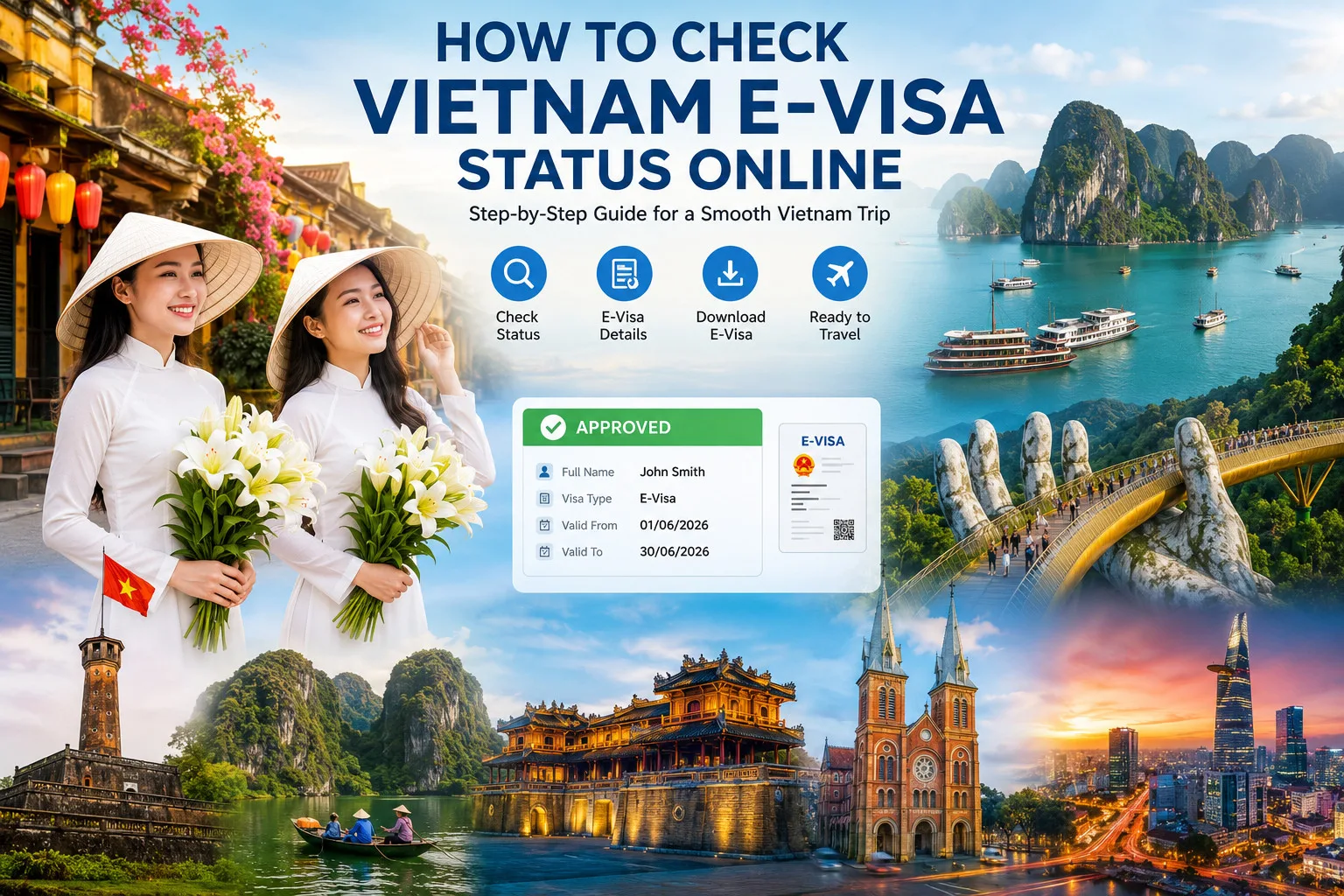
After submitting the search form, the system may display information such as:
- Applicant’s full name
- Registration code
- Passport number
- Application status
- Visa number, if approved
- Validity dates
- Entry and exit period
- Download or print option
- Request to edit or update the application
- Reason for refusal, if available
The exact information displayed can vary depending on your application stage.
What Does Your Vietnam E-Visa Status Mean?
Understanding the status result is essential before making travel arrangements.
1. Application Is Being Processed
If your Vietnam E-Visa application is still being processed, it means the immigration authority has received the application and is reviewing the information.
During this stage, check your application periodically. Do not assume that a payment confirmation means the visa has already been approved.
It is wise to avoid making non-refundable travel decisions until your E-Visa has been issued and downloaded successfully.
2. Payment or Application Update Required
In some cases, the system may indicate that further action is required.
This could happen when:
- Payment has not been completed successfully
- Passport information needs correction
- Portrait photo quality does not meet the requirement
- Passport data was entered incorrectly
- Entry date or travel details need adjustment
- Supporting information is incomplete
Follow the instructions shown in the official system carefully. If an editing option is available, update the requested information as soon as possible.
3. E-Visa Approved
When your Vietnam E-Visa is approved, the system should display your visa information and provide an option to download or print the E-Visa.
Before downloading, verify all important details:
- Full name
- Passport number
- Nationality
- Date of birth
- Visa validity dates
- Number of entries
- Approved entry checkpoint
- Approved exit checkpoint
Even a small error in passport details or travel dates can cause problems when boarding a flight or entering Vietnam.
4. Application Refused or Rejected
If the application is refused, the status page may show a reason or provide instructions for correction.
Common issues may include inaccurate passport details, an unclear passport scan, an unsuitable portrait photo, incomplete information, or inconsistencies in the application.
Do not submit random duplicate applications immediately. First, carefully review the reason shown in the official system and correct the exact issue.
If your travel date is close, professional visa support may help you understand the application process and prepare a more accurate resubmission. However, the final decision on E-Visa issuance remains with the Vietnamese immigration authority.
How to Download Your Approved Vietnam E-Visa
Once your E-Visa is approved, download the visa document directly from the official search page.
Save the file in several places, such as:
- Your phone
- Your email inbox
- A cloud storage folder
- A printed paper copy in your travel documents
Although airlines and border officers may be able to verify information electronically, carrying a printed copy of your approved E-Visa is strongly recommended.
Make sure the printed document is clear and readable. Your passport number, visa number, entry validity dates, and approved border gate should be visible.
Important Things to Check Before Flying to Vietnam
Downloading the E-Visa is not the final step. Before traveling, review the document carefully.
Check that:
- Your passport is valid for the required travel period
- Your name matches your passport exactly
- Your passport number is correct
- Your visa is valid on your planned arrival date
- Your selected entry point matches your travel itinerary
- You understand whether your visa is single-entry or multiple-entry
- You have a printed copy of your E-Visa
Travelers should also confirm airline requirements before departure. Airlines may refuse boarding if a passenger does not have valid travel authorization for Vietnam.
What to Do If You Cannot Find Your Vietnam E-Visa Application
If the system cannot locate your application, do not panic. Start by checking the following:
- Confirm that you entered the correct registration code
- Use the exact email address from the application
- Check the date of birth format
- Refresh the CAPTCHA and try again
- Search your email inbox and spam folder for the original confirmation message
- Check whether payment was completed successfully
- Wait and try again later if the website is temporarily busy
If you still cannot locate your record, contact the official E-Visa support channel listed on the immigration portal. Keep your passport details, registration code, and application email available when requesting assistance.
Frequently Asked Questions About Vietnam E-Visa Status
How long does it take for a Vietnam E-Visa status to appear?
Your application status may appear after your submission has been recorded in the official system. Processing time can vary depending on the application volume, public holidays, accuracy of submitted documents, and immigration review requirements.
Can I check my Vietnam E-Visa status with only my passport number?
Normally, the official system requires a registration code, registered email address, date of birth, and CAPTCHA verification. Keep your registration code safe after applying.
Can I travel to Vietnam after receiving a payment confirmation?
No. A payment confirmation does not necessarily mean your E-Visa has been approved. You should wait until the official system confirms approval and allows you to download the E-Visa.
Should I print my Vietnam E-Visa?
Yes. Travelers should print their approved E-Visa and carry it with their passport when traveling to Vietnam.
What should I do if my E-Visa contains incorrect information?
Do not travel with incorrect passport details, visa dates, or entry information. Review the official portal for available correction instructions and contact official support where necessary.
Final Thoughts
Checking your Vietnam E-Visa status online is a simple but essential part of travel preparation. By keeping your registration code, using the official E-Visa portal, reviewing the result carefully, and downloading your approved visa document, you can reduce the risk of last-minute travel problems.
Before your flight, always verify that your Vietnam E-Visa matches your passport and itinerary. A few minutes spent checking the details can make your arrival in Vietnam smoother, safer, and more convenient.
Contact for Urgent Visa Support
- Hotline / WhatsApp / Zalo: +84986979330
- Email: support@vietnamevisaservice.vn
Note: vietnamevisaservice.vn is a commercial/personal website, NOT an official government website. We operate as a private agent and charge a fee for application services. If you do not require our simplified forms and visa application support, you can apply directly on the official government website.